01Why you need this
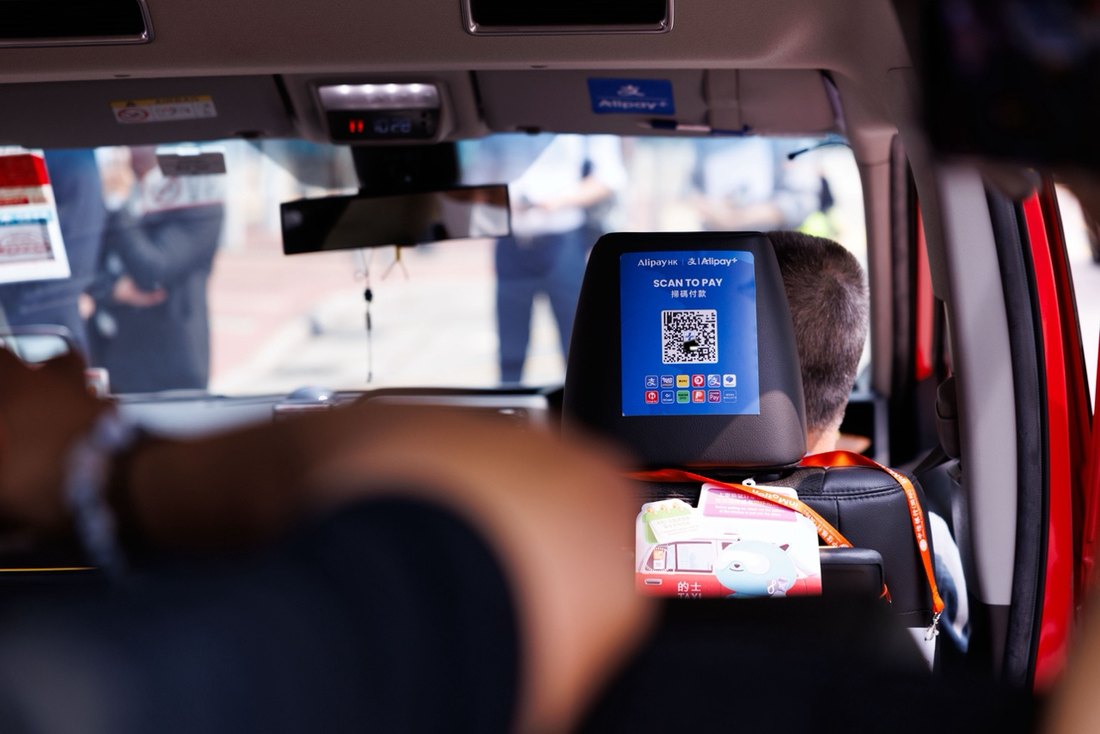
Visa and Mastercard are accepted at big hotels and some tourist shops — but the metro, the canalside stalls, the local dumpling place, the taxi: QR or nothing. Alipay is the one app that covers all of it, including the metro and the bullet train to Shanghai.
Set up Alipay before you fly. Doing it at the airport with a dying battery and a queue behind you is how trips start badly.
02The setup, in one breath
- Download Alipay from your app store (works with a foreign number — that's the whole point of the international version).
- Register with your phone number and passport.
- Add a card: Visa / Mastercard / Amex — follow the in-app "add card" flow; it verifies with a small temporary charge.
- When you arrive: pay by showing your QR code. For the metro and buses, open the in-app transit QR — scan, walk through. (If the transit QR won't open for your foreign card, Suzhou's own Su'e Xing / 苏e行 app is the fallback — being re-verified for foreign cards, Sep 2026.)
¥200–300 in small notes. 99% of payments will be Alipay, but a little cash is the right insurance for the 1% (and for the rare machine that's down).
03eSIM: the partner move
Before you fly, also set up an eSIM — its real job is keeping WhatsApp and your bank's verification texts reachable, since some home carriers throttle or block roaming texts. For navigation, don't rely on Google Maps: it's unreliable inside China. Use Apple Maps or Amap (高德 — has an English mode) once you're here; both work fine with a roaming or local SIM.
Two things to do on the ground, both done in advance: bind a card to Alipay and install an eSIM. Do those two and everything else is just the fun part.